Published on 2 min read
Angular - Solving a Styling Issue for Rendered Components
Why styles on an Angular component's host element are ignored and how display: block fixes it.
The Issue
Styles on a component sometimes seem to be ignored by the browser. This is a common issue for Angular beginners.
To simulate the issue, let’s assume we have a component for progress bar:
@Component({
  selector: 'progress-bar',
  template: `
    <div></div>
  `,
  styles: [`
    div {
      width: 75%;
      height: 20px;
      background-color: dodgerblue;
    }
  `]
})
export class ProgressBarComponent {}
Well, it’s reasonable we’d like to style the progress bar element. For instance, changing its width and background-color.
So, let’s append these styles on the host element (which is the progress-bar itself):
:host {
  width: 400px;
  background-color: lavender;
}
Unfortunately, it seems that the element isn’t affected by the styles. Notice its actual width:
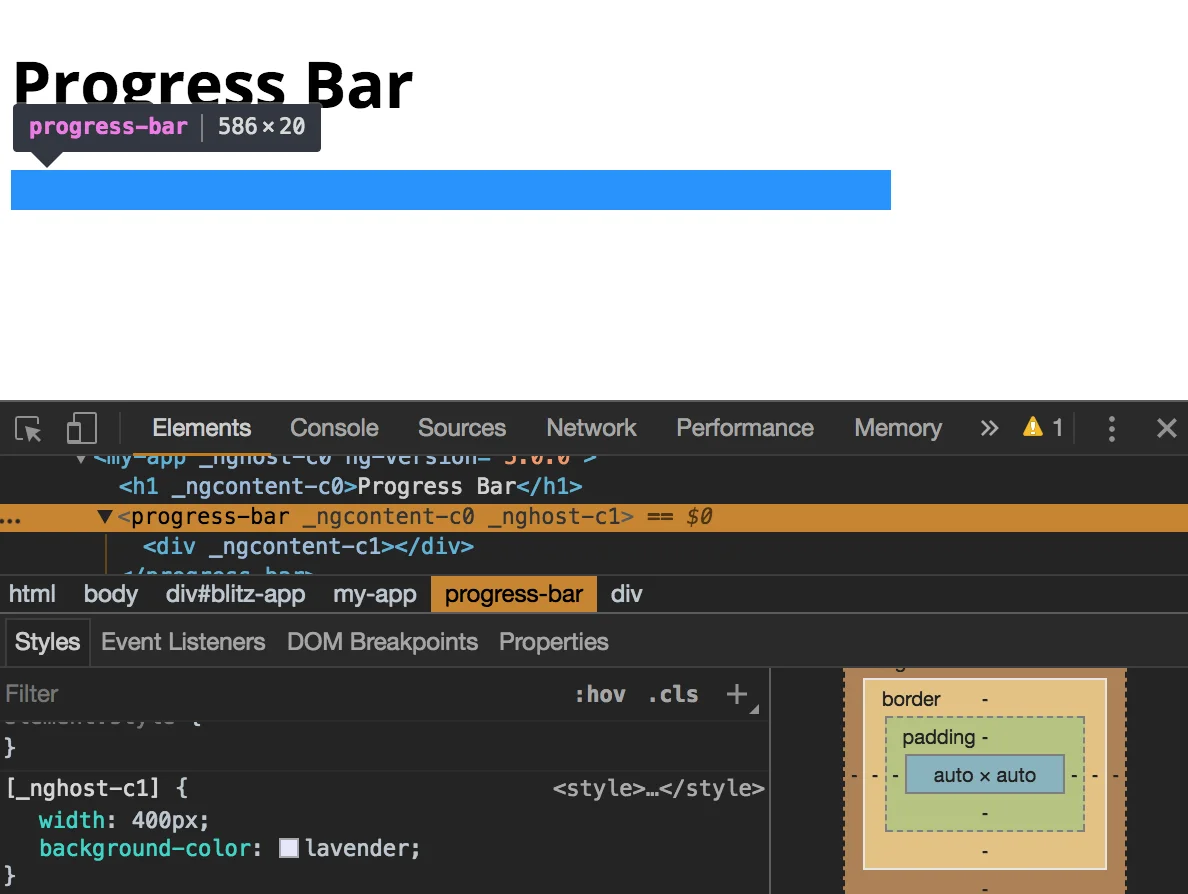
What we’re going to do now is to fix this issue.
The Solution
The reason for this issue is concealed in the way a browser interprets the host element - it’s a custom element, and so the browser sets the default display value of custom elements (inline) for the host element.
To fix it, we set a display value that fits the styles. Since we use width, we add display: block:
@Component({
  selector: 'progress-bar',
  template: `
    <div></div>
  `,
  styles: [`
    :host {
      display: block;
      width: 400px;
      background-color: lavender;
    }
    div {
      width: 75%;
      height: 20px;
      background-color: dodgerblue;
    }
  `]
})
export class ProgressBarComponent  {}
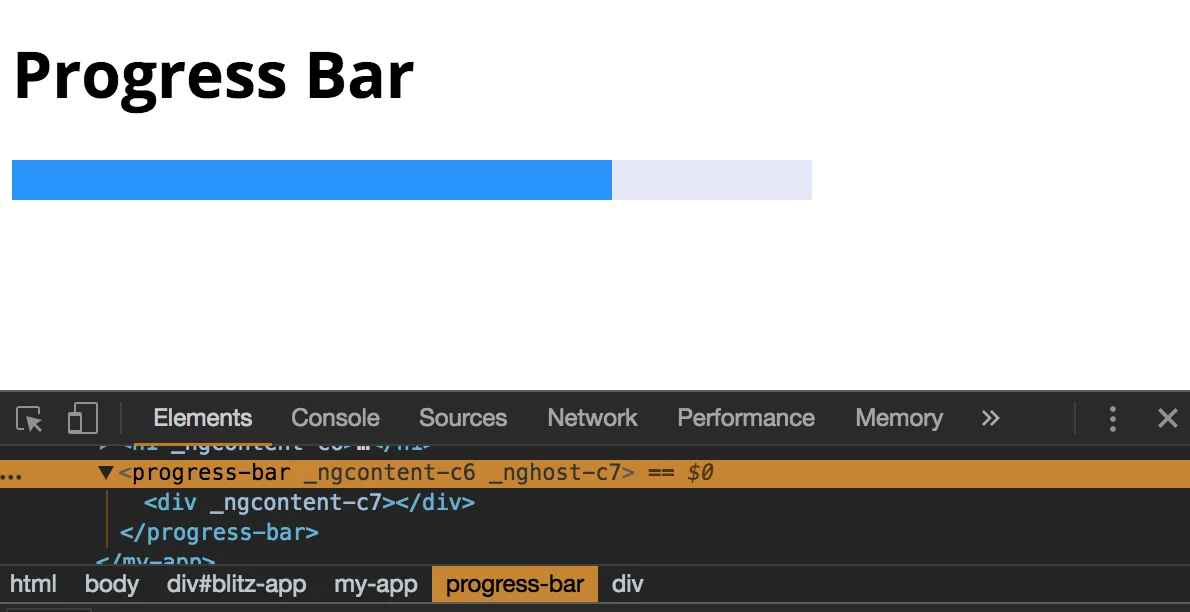
Now the progress bar renders as expected:
Tip: Angular CLI can add this style for us when generating a component, by running ng g c name --display-block.
You’re welcome to share:
Join My Newsletter
Get new posts directly to your inbox.
Comments are powered by DisqusDetails
Loading comments activates Disqus, which collects information as a third-party service.
The site owner has no access to or control over the information collected by Disqus.
Related Posts

How to Sync a Design System with Claude Design
18 min read
Syncing React components into Claude Design with /design-sync: what the mirror holds, how it's verified and a step-by-step example with shadcn/ui, Tailwind v4 and Storybook.
Read post

ECMAScript - Introducing Deferred Module Evaluation with import defer
8 min read
Introducing the “import defer” proposal, a new ECMAScript import form that loads and links modules eagerly while deferring their evaluation until a namespace property is first accessed - currently at stage 3 in the TC39 process.
Read post

ECMAScript - Introducing BigInt Primitive in ES2020 (ES11)
5 min read
BigInt in ES2020 (ES11) - a new primitive for arbitrarily large integers, with its operators, comparisons and limits.
Read post